01
Recent documents
Reopen recent local or web Markdown.
Open local and web Markdown as a workspace with folders, notes, diagrams, multiple views, and export.


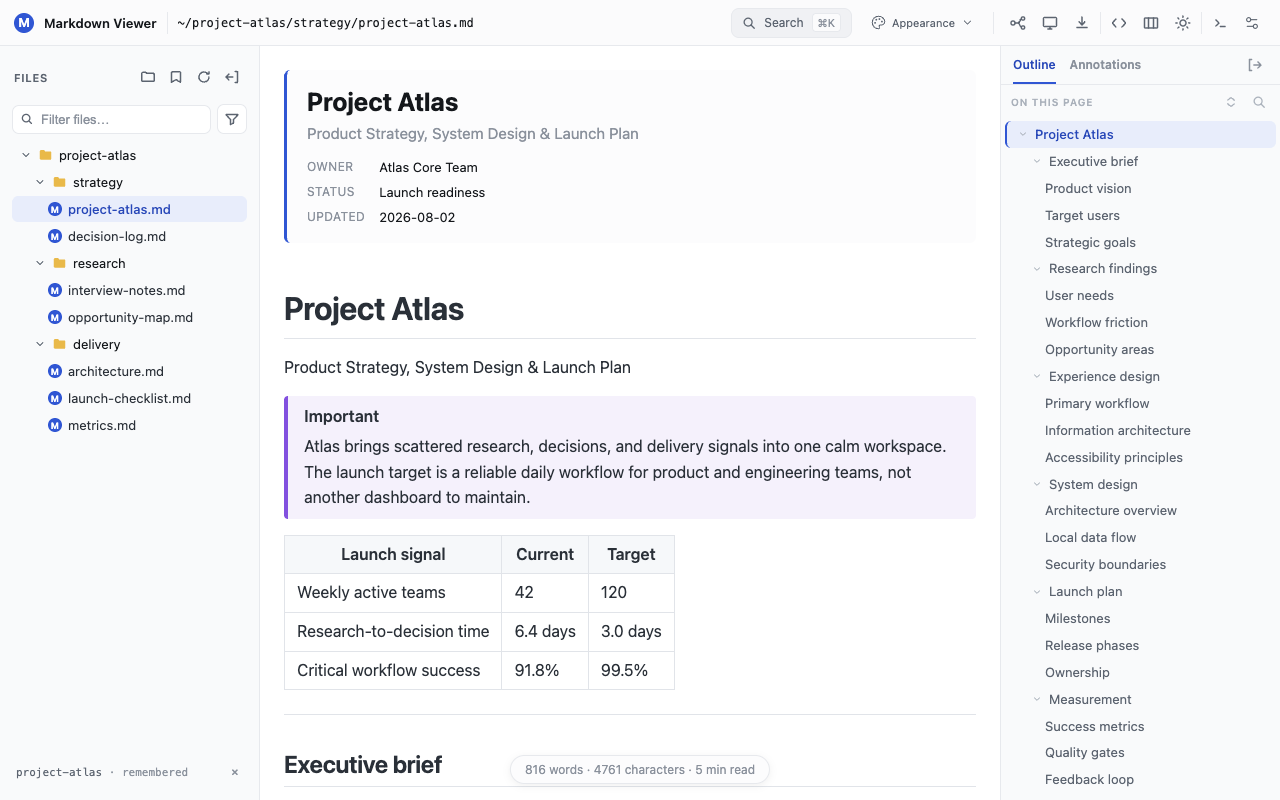
Browse a folder, switch between Markdown files, and return to recent documents or the exact place you stopped reading.
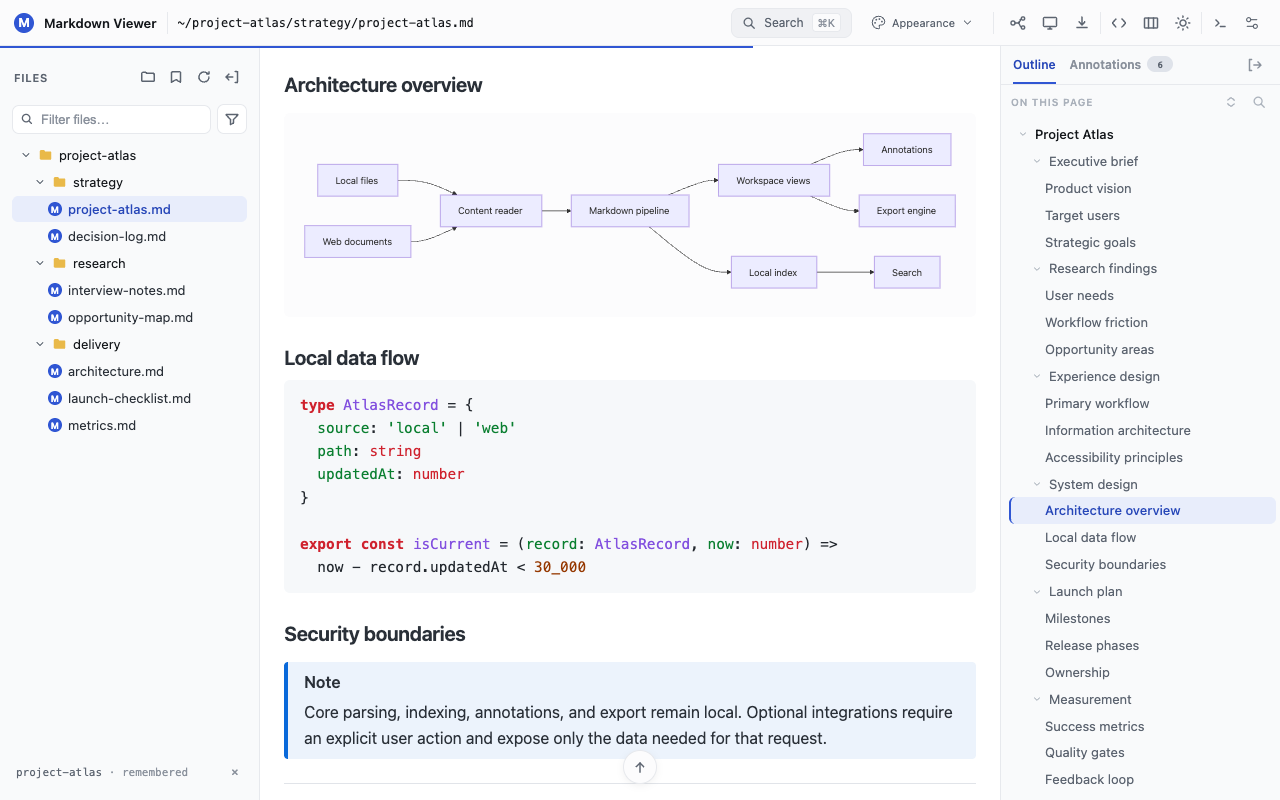
Read tables, code, math, callouts, and diagrams in the flow of the document—not as disconnected previews.
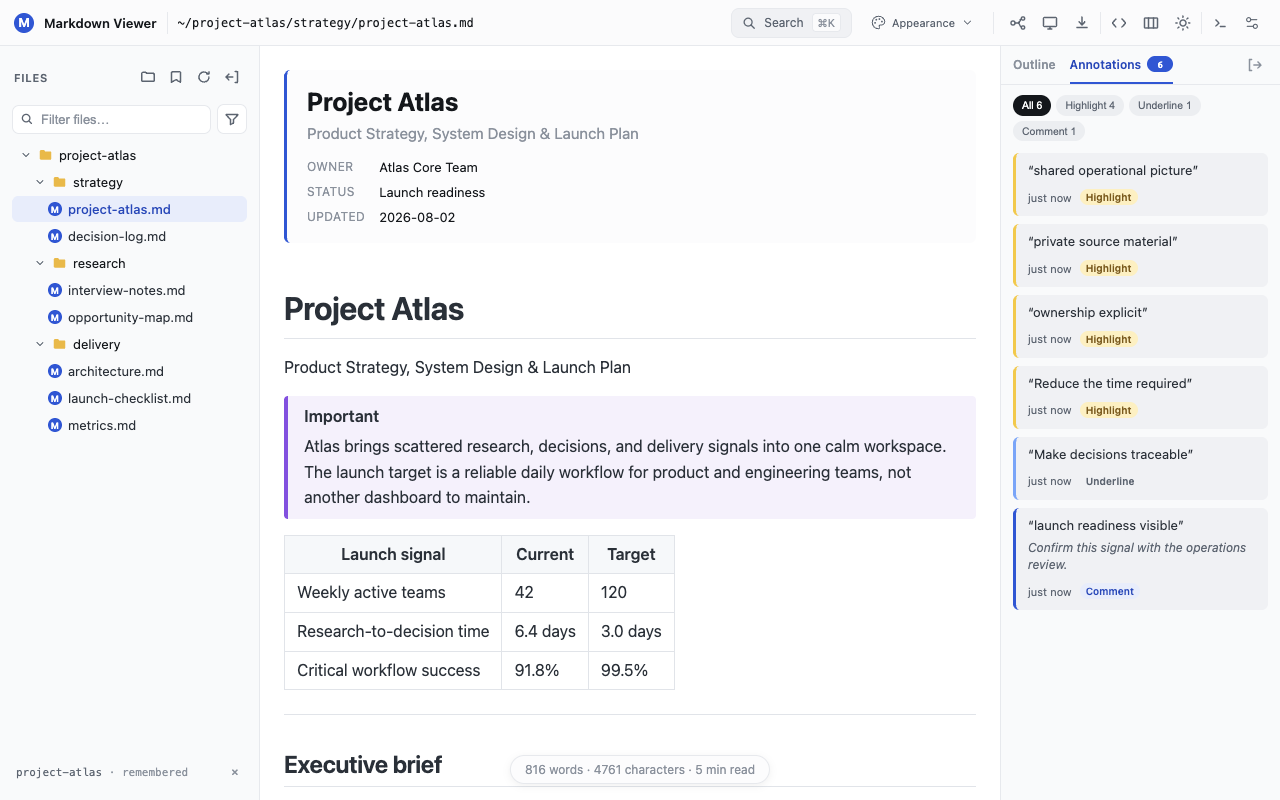
Navigate long documents, search across an entire folder, and keep highlights, underlines, and comments linked to the source.
Read it as a document, understand its structure as a mind map, or present it full screen.
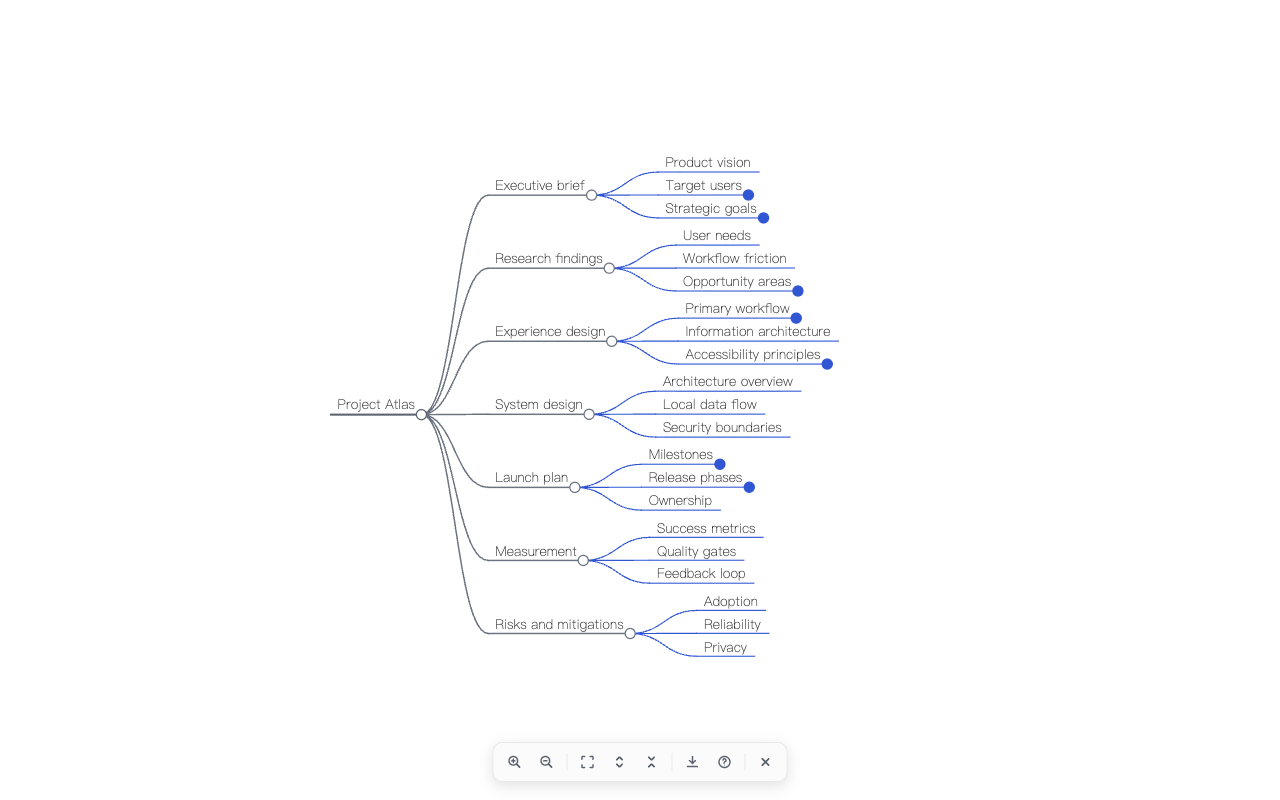
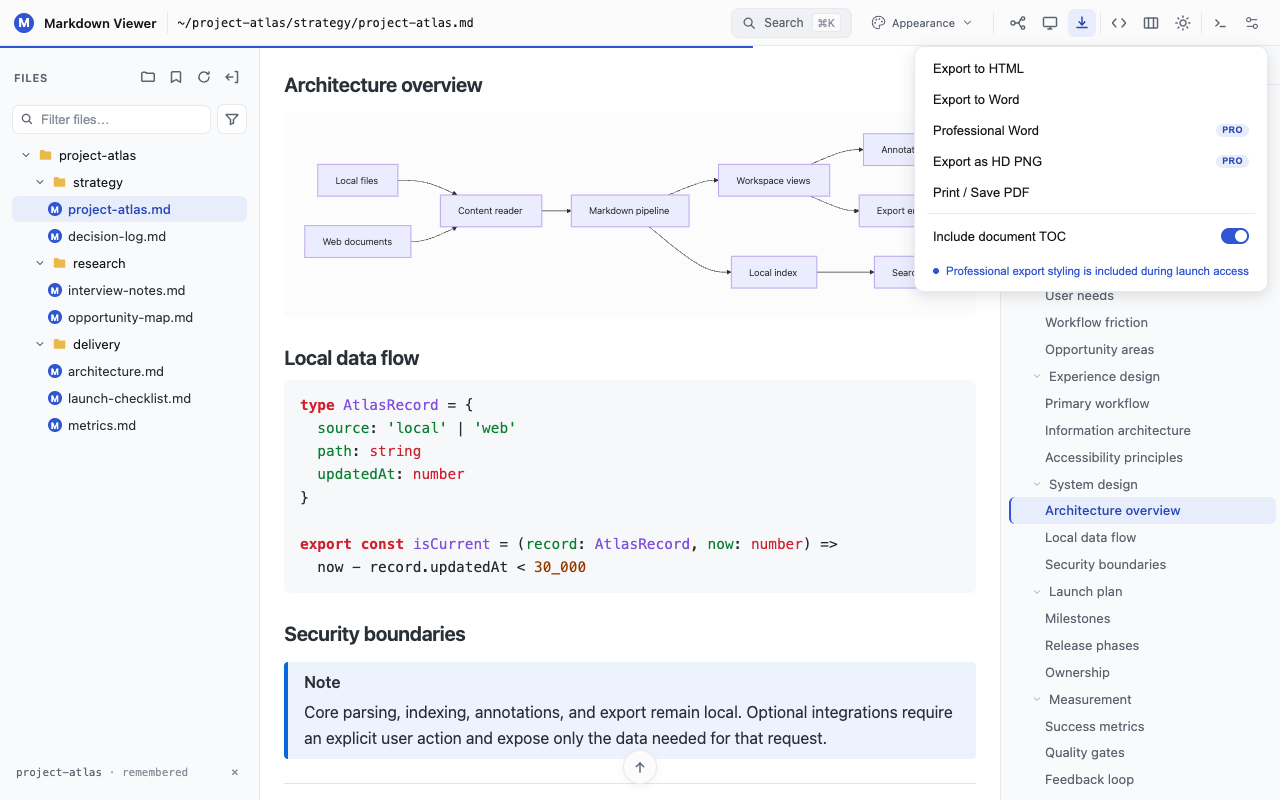
Save the document as HTML, Word, PDF, or a full-length PNG, and export mind maps as SVG, PNG, or JPEG.
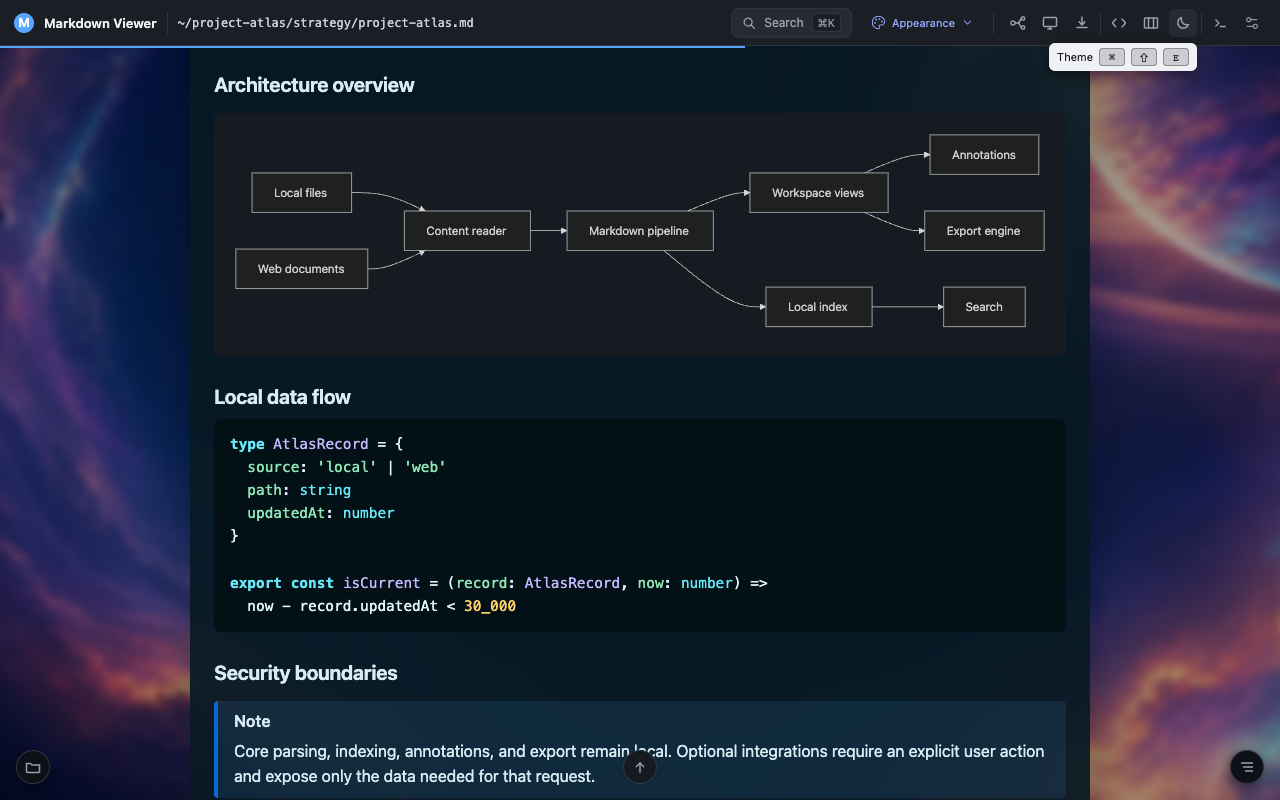
Match the page to technical notes, academic reading, business reports, or distraction-free reading.
Open Markdown in your browser
A Markdown Chrome extension is useful when .md files already live in repositories, project folders, documentation sites, or browser tabs. Instead of copying source into an online converter or opening a separate editor, Markdown Viewer turns the file you choose into a structured reading workspace in Chrome or Edge. The original document remains Markdown while the browser adds a folder tree, bookmarks, an H1–H6 outline, document and folder search, highlights, underlines, comments, diagrams, math, and export tools around it.
For local files, install the extension and enable the browser’s “Allow access to file URLs” setting once. Then open a .md file directly or choose a folder inside Markdown Viewer to move between related documents. For web files, open a raw Markdown URL; the extension checks that the response is Markdown before replacing the plain-text view. Ordinary web pages are left alone.
This approach keeps the reading workflow close to the source. Core rendering, annotations, recent documents, reading positions, and caches stay on your device. You can read the same file as a document, inspect its heading structure as a mind map, present it full screen, or export it as HTML, Word, PDF, or PNG without rewriting the content. Markdown Viewer is available through the Chrome Web Store and Microsoft Edge Add-ons, so the same workspace works in the two browsers we currently test and support.
The workspace remembers the useful parts and stays out of the way.
Reopen recent local or web Markdown.
Resume near the place you left.
Reuse unchanged diagrams from a local cache.
Reach common actions from the keyboard.
Use the extension and permission guidance in 15 languages.
Reload the current document when its source changes.
Resume where you left off.Restore reading positions and reuse locally cached diagrams.
Render and find more.Use Vega-Lite, regex, filters, saved searches, and CSV export.
Shape the page and its output.Choose new themes and skins, then create Professional Word and full-document PNG exports.
No account or upload required. Your documents, annotations, recent history, and caches stay on your device.
Install Markdown Viewer, choose a folder, and start reading. No account required.
The important product boundaries in plain language.
No. Document processing happens locally. Annotations, recent documents, reading positions, saved folder access, diagram caches, and custom backgrounds remain on this device. Preferences are stored by the browser and may sync only when browser sync is enabled.
Yes. Chrome and Edge require the browser’s “Allow access to file URLs” setting. The extension includes localized guidance to the correct extension details page.
Every Pro-labelled feature is currently open without an account, payment, or license key. Any future paid model would arrive in a clearly communicated extension update.
The Markdown workspace, folder browser and bookmarks, annotations, outline, core themes and skins, reading memory, diagram rendering and cache, basic search, basic HTML/DOCX/print-PDF export, presentation, and mind-map view remain free.